Skip to main content
Bertram Knowledge Base
View All
Search
Topics
Guides
Log in
Info
Content
Guides
Billing Procedures
Discounts
12 Month Expiring Disc...
12 Month Expiring Discount
Open customers account
2. Click on Services Tab
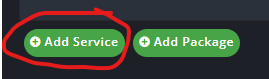
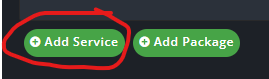
3. Click Add Service
4. Look for the 3rd box from the top and says Self-Expiring Discount and select the correct plan and click add.
5. Complete
Enter section select mode
Previous
Discounts Explanation- Read First
0 Comment Threads
0 Archived
No comments to display
No comments to display
Back to top




No comments to display
No comments to display